
5 técnicas essenciais de edição de vídeo para principiantes utilizando ferramentas online gratuitas
Na era digital atual, a edição de vídeo se tornou uma habilidade indispensável, transformando gravações brutas em histórias envolventes compartilhadas nas redes sociais, YouTube e plataformas de streaming. Essa arte de construir uma narrativa visual é crucial para criadores que desejam cativar seu público. Seja um curta-metragem, um vlog ou um tutorial, as técnicas de edição de vídeo dão vida ao seu conteúdo, garantindo que ressoe com espectadores em todo o mundo. Como iniciante, entender essas técnicas pode parecer intimidador, mas dominá-las é recompensador e essencial. Não se trata apenas de cortar e juntar clipes; é sobre tecer uma história que conecte emocionalmente e cative visualmente.
Com o aumento das plataformas dedicadas ao conteúdo em vídeo, se tornar proficiente em edição de vídeo é mais crítico do que nunca. De métodos simples de corte e aparo a transições e efeitos mais avançados, os iniciantes podem transformar filmagens não polidas em produções de qualidade profissional. Este guia iluminará o caminho da edição de vídeo para iniciantes, oferecendo insights e estratégias para aprimorar suas habilidades e elevar seus projetos criativos.
Visão Geral da Edição de Vídeo
Introdução à Edição de Vídeo
A edição de vídeo é o processo de organizar e manipular clipes de vídeo para criar uma sequência coesa e significativa. Não se trata apenas de cortar erros ou aparar longas filmagens. No cerne, a edição de vídeo é uma forma de contar histórias. É sobre criar uma narrativa que combina elementos visuais, ritmo e som para transmitir uma mensagem poderosa ou evocar uma emoção específica.
Para os iniciantes, entender o básico da edição de vídeo é crucial. Envolve organizar clipes em uma linha do tempo, adicionar transições e garantir que o áudio esteja perfeitamente alinhado com os visuais. Esse processo é mais que uma tarefa técnica; é uma forma de arte. A edição pode elevar uma história, introduzir suspense e garantir que a mensagem que você deseja compartilhar seja clara e convincente.
O Papel e a Importância da Edição de Vídeo
A edição de vídeo é central na criação de conteúdo. É a ponte entre a filmagem e a apresentação final de um vídeo. Uma boa edição transforma gravações brutas em um produto polido que pode cativar e engajar um público. É essa transformação que distingue produções amadoras de vídeos de qualidade profissional. As técnicas certas de edição podem manter os espectadores engajados, melhorar a narrativa e aumentar a qualidade geral da produção.
A edição de vídeo eficaz não se trata apenas de habilidades técnicas, mas também de manter o engajamento do espectador. Um vídeo não editado ou mal editado pode facilmente perder a atenção do público. No entanto, um vídeo bem editado guiará os espectadores de forma harmoniosa pela narrativa, fazendo-os se sentirem emocionalmente conectados ao conteúdo. Compreender técnicas de edição de vídeo pode ser a chave para desbloquear esse potencial para qualquer criador. Através da aplicação prática e experimentação, mesmo iniciantes podem aprender a criar vídeos que não apenas informam, mas também inspiram.
Técnicas Essenciais de Edição de Vídeo para Iniciantes
Cortar e Aparar Clipes
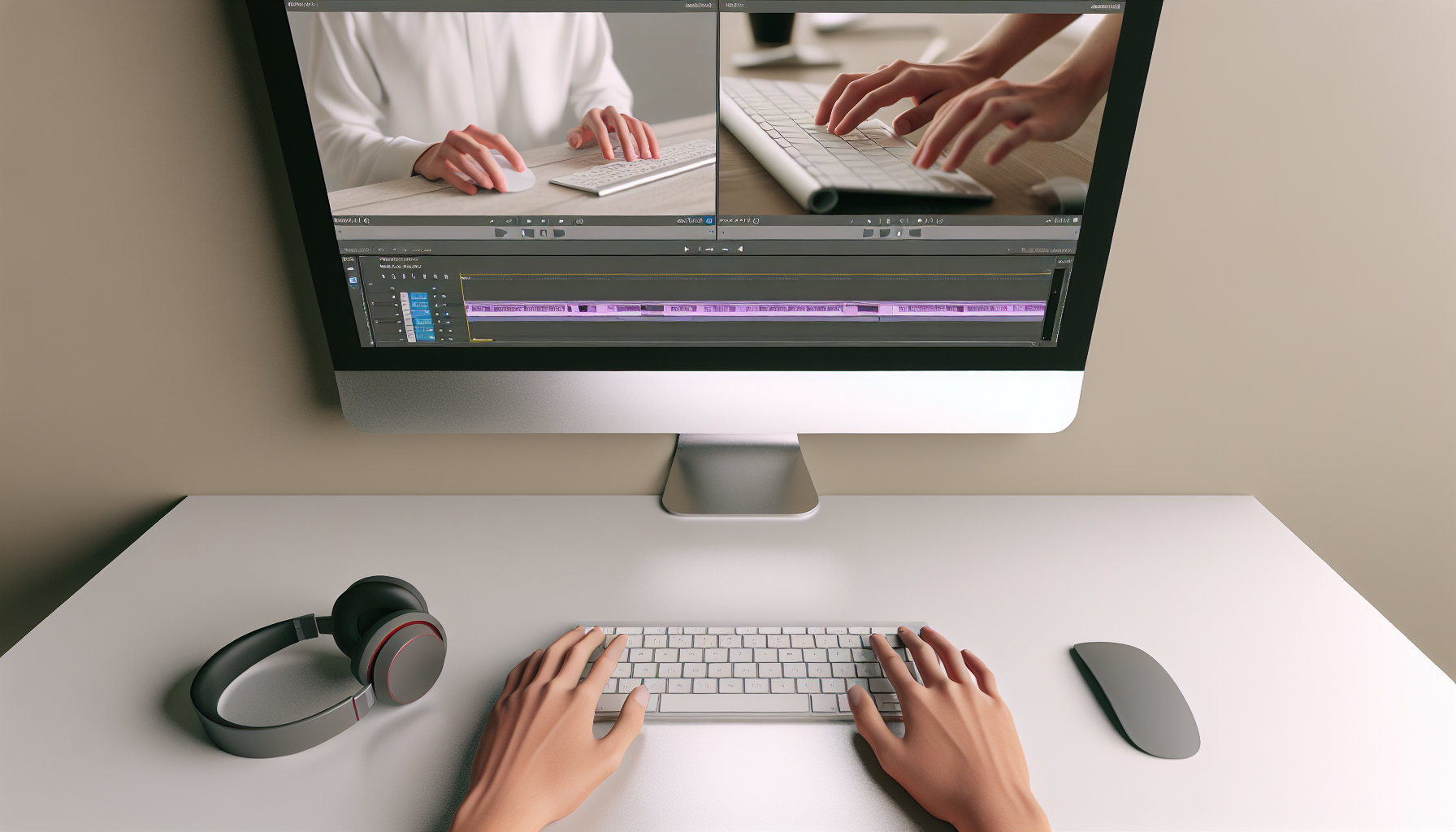
A base da edição de vídeo é construída na linha do tempo, onde você organiza suas filmagens brutas em uma narrativa coerente. Cortar e aparar são as técnicas de edição de vídeo mais fundamentais que qualquer iniciante deve dominar. Essas técnicas envolvem remover partes desnecessárias de um clipe para focar a atenção do espectador nos aspectos mais importantes da sua história.
Um clipe bem aparado pode manter o ritmo do vídeo, garantindo que ele flua suavemente de uma cena para outra sem pausas ou distrações desnecessárias. Aparar e cortar também ajudam a manter o ritmo narrativo e garantir que a história permaneça envolvente. Um corte eficaz pode ditar o ritmo da história e manter os espectadores querendo mais, atuando como uma ferramenta de narrativa em si.
Usar Transições Eficientemente
As transições são a cola que mantém os clipes de vídeo juntos. Elas suavizam os cortes abruptos e fazem a transição entre diferentes cenas parecer contínua. Tipos comuns de transições incluem desvanecimentos, cortes, dissolvências e cortinas. Cada uma tem um propósito específico e pode evocar diferentes emoções ou significar diferentes mudanças na narrativa.
Por exemplo, um desvanecimento pode sugerir o fim de um capítulo, enquanto uma dissolvência pode indicar uma passagem de tempo ou mudança de local. No entanto, as transições devem ser usadas com moderação para manter o fluxo e garantir que os espectadores permaneçam imersos na história. O uso excessivo de transições elaboradas pode distrair o público e prejudicar a mensagem do vídeo.
Adicionando Texto e Títulos
Texto e títulos desempenham um papel crucial em fornecer contexto e aprimorar a narrativa. Seja um título simples do vídeo, uma legenda para um personagem ou texto explicativo, adicionar texto ajuda os espectadores a acompanhar a história. Escolher a fonte, cor e tamanho certos pode impactar significativamente a percepção e o engajamento do espectador com o conteúdo.
Além disso, intros personalizadas com texto e títulos podem melhorar a identidade profissional de seus vídeos. Uma intro bem projetada não só atrai a atenção, mas também define o tom para o resto do vídeo. Dica: sempre garanta que seu texto seja fácil de ler e corresponda à estética geral do seu vídeo.
Edição de Áudio e Design de Som
O áudio é tão vital quanto o vídeo na criação de uma experiência completa de visualização. Sincronizar áudio com visuais, ajustar níveis de volume e incorporar música de fundo ou efeitos sonoros são componentes cruciais do processo de edição de vídeo. O áudio define o contexto emocional, complementando a narrativa visual e adicionando profundidade à história.
O design de som pode influenciar como uma cena é percebida, garantir que o diálogo seja claro e que os elementos de áudio realcem ao invés de prejudicar os visuais. Os iniciantes devem focar em garantir que o áudio seja limpo e bem equilibrado, removendo ruídos de fundo e usando a música estrategicamente para melhorar a experiência de visualização.
Aprimorando Visuais com Efeitos e Correção de Cor
Para ir além de cortes e aparos básicos, os iniciantes podem explorar o uso de efeitos e correção de cor para elevar a qualidade do vídeo. Os efeitos podem adicionar um toque criativo, proporcionando aquele apelo visual extra. No entanto, eles devem aprimorar a narrativa, não sobrecarregá-la.
A correção de cor envolve a alteração das cores dentro de uma tomada para melhorar a qualidade da imagem ou alterar o humor do vídeo. À medida que você avança, aprenderá sobre gradação de cores, estabilização de imagem e outras técnicas avançadas que melhoram a qualidade do vídeo. A gradação de cores permite que os editores criem temas estilísticos ou harmonizem tomadas díspares em uma narrativa visual coesa.
Utilizando Ferramentas Gratuitas de Edição de Vídeo
Softwares de Edição de Vídeo Amigáveis para Iniciantes
Ao iniciar na edição de vídeo, escolher o software certo é crucial. Para iniciantes, muitas opções gratuitas estão disponíveis, oferecendo um conjunto de recursos para atender às necessidades básicas e intermediárias de edição. Softwares como o iMovie para usuários de Mac ou o Clipchamp para usuários de Windows oferecem uma entrada acessível na edição de vídeo.
Essas ferramentas vêm com interfaces intuitivas, facilitando para os iniciantes aprenderem os fundamentos da edição. Os recursos normalmente incluem arrastar e soltar clipes em linhas do tempo, aparar, cortar e transições básicas, todos essenciais para qualquer projeto de vídeo básico. Além disso, a maioria oferece vários tutoriais para facilitar o processo de aprendizado.
Explorando Opções de Edição Intermediárias e Profissionais
À medida que os iniciantes ganham proficiência, eles podem desejar expandir suas capacidades com ferramentas mais sofisticadas. Adobe Premiere Elements e DaVinci Resolve oferecem um passo à frente em relação ao software de edição básico, fornecendo aos usuários várias opções que podem aprimorar a qualidade do vídeo e as técnicas de edição.
Enquanto Adobe Premiere Pro e Final Cut Pro atendem principalmente a editores profissionais, aprender suas interfaces como iniciante não é impossível. No entanto, essas ferramentas vêm com curvas de aprendizado mais íngremes e estão repletas de recursos que capacitam os editores a ultrapassar os limites da criatividade. Portanto, a escolha do software geralmente depende do nível atual de habilidade do usuário e de suas aspirações futuras.
Plataformas Online: Armazenamento e Compartilhamento
Um benefício adicional do software de edição de vídeo moderno é sua integração com plataformas online, que podem oferecer armazenamento expandido, edição colaborativa e opções mais fáceis de compartilhamento. Esses recursos facilitam para editores novatos a exibição de seus trabalhos e a obtenção de feedback de pares ou públicos, aumentando seu aprendizado e confiança.
Utilizar opções de software gratuitas ou de baixo custo permite que iniciantes explorem sua criatividade sem se comprometer com programas caros imediatamente. É importante experimentar, descobrir o que funciona melhor para seu fluxo de trabalho e, em seguida, fazer uma transição gradual para ambientes mais ricos em recursos à medida que sua confiança cresce.
Explorando Ferramentas de Vídeo Online
Vantagens das Ferramentas de Edição de Vídeo Online
As ferramentas de edição de vídeo online oferecem imensa conveniência, superando o obstáculo de precisar baixar e instalar softwares. Essas ferramentas são geralmente independentes de plataforma, o que significa que podem funcionar tanto em sistemas Windows quanto Mac, tornando-as adequadas para iniciantes que querem flexibilidade e facilidade de uso. Além disso, muitas vezes exigem especificações mínimas de sistema, permitindo seu funcionamento em hardware menos potente.
Os iniciantes se beneficiam enormemente da acessibilidade e simplicidade das ferramentas de vídeo online. Essas plataformas fornecem funções de edição padrão, como aparo de clipe, integração de áudio e transições, que são críticas para novos editores que desejam começar a editar sem investir em sistemas de computador poderosos ou softwares caros.
Usando Recursos Online para Edição
Ferramentas como o Cortador de Áudio Online e o Aparador de Vídeo Online são especialmente úteis para editores que estão começando sua jornada. Esses recursos permitem que os usuários realizem tarefas de edição fundamentais, como dividir trilhas de áudio ou aparar segmentos de vídeo diretamente no navegador. Tal funcionalidade é perfeita para edições rápidas e projetos menores que não exigem uma suíte completa de ferramentas de edição.
As ferramentas de vídeo online frequentemente vêm equipadas com soluções de armazenamento em nuvem, permitindo o salvamento e compartilhamento convenientes de projetos. Isso pode ser especialmente útil para iniciantes que desejam colaborar com colegas ou buscar feedback online à medida que aprimoram suas habilidades. Usar esses recursos de forma eficiente pode ampliar sua proficiência em edição e prepará-lo para tarefas de edição mais complexas no futuro.
Dicas Práticas para Editores de Vídeo Iniciantes
Comece com os Fundamentos
Ao mergulhar no mundo da edição de vídeo, é vital primeiro dominar o básico. A base da edição reside no entendimento da ordem, duração e posicionamento dos planos, pois esses elementos criam o ritmo e o ritmo da sua história. Os iniciantes devem praticar diligentemente a organização de planos na linha do tempo, usando cortes básicos e experimentando com o tempo para gradualmente construir suas habilidades.
Lembre-se: a simplicidade é muitas vezes a chave. Antes de mergulhar em técnicas de edição avançadas, certifique-se de que está confortável com os fundamentos. Começar simples permite que você aperfeiçoe seu fluxo e ritmo como editor, eventualmente levando a projetos mais sofisticados.
Organize Seu Fluxo de Trabalho
Um fluxo de trabalho organizado é crucial na edição de vídeo. Criar um sistema de pastas bem organizado, rotular clipes de forma precisa e manter um catálogo fácil de navegar pode reduzir significativamente o tempo necessário para produzir um vídeo polido. Convenções de nomenclatura consistentes, junto com pastas organizadas, facilitam a localização dos clipes, evitando frustração desnecessária durante o processo de edição.
Desenvolver uma rotina para a organização do projeto não só melhora a eficiência, mas também melhora a experiência geral de edição. Um espaço de trabalho limpo permite que os editores se concentrem na criatividade, não na logística, garantindo eficiência e um sistema rastreável para empreendimentos cinematográficos futuros.
Aproveite os Atalhos de Teclado e Dicas
Atalhos de teclado podem aumentar significativamente sua velocidade e eficiência na edição. Familiarizar-se com atalhos como cortar, colar e pular entre clipes agiliza o processo, permitindo que você se concentre nos aspectos criativos da edição de vídeo. Comprometa-se a aprender e incorporar esses atalhos em seu fluxo de trabalho.
Outra dica é utilizar edições em lote para manter a consistência em vários clipes. Ao aplicar configurações em várias partes do seu vídeo simultaneamente, você garante uma sensação e uma estética unificadas, essenciais para criar um produto profissional.
Desenvolva uma Marca Visual Consistente
Como iniciante, é importante começar a construir uma marca visual reconhecível. Isso envolve manter esquemas de cores, fontes e elementos de estilo consistentes que reflitam a identidade da sua marca. A uniformidade nos visuais em todo o conteúdo ajuda a estabelecer uma presença profissional e torna seus vídeos facilmente identificáveis.
Ao focar na consistência da marca, você não apenas cria uma experiência contínua para os espectadores, mas também melhora o reconhecimento da marca. Essa abordagem pode diferenciar seu conteúdo de outros e estabelecer você como um criador de conteúdo sério.
Desafios Comuns e Como Superá-los
Desafio: Complexidade Overwhelming
Para muitos iniciantes, a complexidade das ferramentas de edição de vídeo pode ser intimidante. Com inúmeros recursos e funções disponíveis, é fácil se sentir sobrecarregado. Comece pequeno. Concentre-se em dominar uma técnica ou elemento por vez — seja cortar, transições simples ou edição de áudio — antes de adicionar recursos mais complexos ao seu repertório.
Desafio: Renderização Lenta e Problemas de Desempenho
A renderização lenta pode ser um grande desafio, muitas vezes devido a limitações do sistema ou ineficiências do software. Para superar isso, certifique-se de que seu hardware atenda ou supere as especificações exigidas pelo software escolhido. Usar proxies de vídeo, ou pré-visualizações de qualidade reduzida de suas filmagens, pode acelerar o processo de edição e permitir uma renderização suave em sistemas menos potentes.
Desafio: Qualidade de Áudio Ruim
A qualidade do áudio é crucial para projetos de vídeo, pois um som ruim pode prejudicar significativamente a experiência geral. Sincronize seu áudio com precisão, elimine ruídos de fundo e equilíbre os níveis de volume para criar trilhas de áudio claras. Existem muitas ferramentas de edição especificamente voltadas para melhorar a qualidade do áudio, então dedique tempo para se familiarizar com esses recursos.
Desafio: Encontrar Seu Estilo Criativo
Encontrar um estilo criativo único é uma jornada. A experimentação com diferentes técnicas, cores ou ritmos de edição pode ajudá-lo a descobrir o que ressoa com sua visão. Procure inspiração em outros vídeos bem editados, analise suas escolhas de edição e obtenha insights que você pode adaptar ao seu próprio estilo criativo.
Desafio: Ficar Preso em Questões Técnicas
Questões técnicas podem surgir em qualquer estágio da edição de vídeo. Felizmente, muitas comunidades e recursos online oferecem soluções e suporte para problemas comuns. Seja através de fóruns nas redes sociais, tutoriais no YouTube ou plataformas de aprendizado online dedicadas, há uma riqueza de informações para ajudar a guiá-lo através de desafios técnicos.
Conclusão
Entender e dominar técnicas de edição de vídeo pode levar à criação de vídeos que cativam e engajam o público de formas significativas. Os fundamentos discutidos — cortar, aparar, organizar, transições e edição de áudio — são habilidades essenciais que constroem uma base para técnicas mais avançadas. À medida que você pratica, experimenta e se engaja com comunidades, encontrará seu estilo e desenvolverá a capacidade de transformar filmagens brutas em narrativas visuais poderosas.
Softwares gratuitos e acessíveis como iMovie, Clipchamp e DaVinci Resolve fornecem as ferramentas necessárias para exploração e aprendizado. A chave é a prática consistente e a abertura para experimentar, sem a necessidade de softwares de alto nível ou equipamentos profissionais. Comece pequeno, aplique o que aprendeu e, gradualmente, incorpore técnicas mais avançadas à medida que sua confiança aumenta.
A jornada pela edição de vídeo começa com um único clipe. Selecione ferramentas amigáveis para iniciantes, importe suas filmagens e pratique montar sua história usando a linha do tempo, cortes e transições básicas, e compartilhe seu trabalho para feedback. Seus projetos iniciais podem não ser perfeitos, mas cada um representa crescimento e aprendizados chave no seu desenvolvimento como editor.
Lembre-se, todo especialista já foi um iniciante, e a comunidade de edição de vídeo acolhe novos talentos explorando este meio criativo. Sua criatividade pessoal moldará suas histórias e, através da prática e domínio das técnicas essenciais, você desbloqueará o potencial para trazer suas visões à vida.
Chamada para Ação:
Convide seus leitores a compartilharem suas experiências ou dúvidas sobre edição de vídeo nos comentários abaixo. Incentive-os a se inscrever ou seguir para futuras postagens de blog oferecendo dicas de edição de vídeo avançadas e atualizações. Ao fomentar o envolvimento da comunidade, esta chamada para ação não apenas promove a interação, mas também reforça o aprendizado contínuo e o apoio entre entusiastas.