
Live Streaming Tips: Essential Online Tools for High-Quality Broadcasts
The world of live streaming has seen an explosion in popularity over recent years. From events to marketing, and content creation, live streaming offers a unique blend of dynamism and immediacy that connects audiences in real-time. The demand for real-time engagement and professional broadcasts is ever-increasing, making live streaming tools pivotal in achieving broadcast quality streams.
Live streaming isn't just about hitting "go live" anymore. It has evolved into a finely balanced act of technology and creativity, where live streaming tools play an indispensable role. Imagine trying to paint a masterpiece without the right brushes or paint. Similarly, without the right tools for live streaming, it becomes significantly challenging to deliver streams that meet viewers’ expectations for clarity, fluidity, and reliability.
Understanding Live Streaming Tools
So, what exactly are live streaming tools? At their core, these tools comprise both hardware and software designed to capture, encode, and deliver video and audio in real-time to online platforms. This creates a seamless and engaging experience for the viewers.
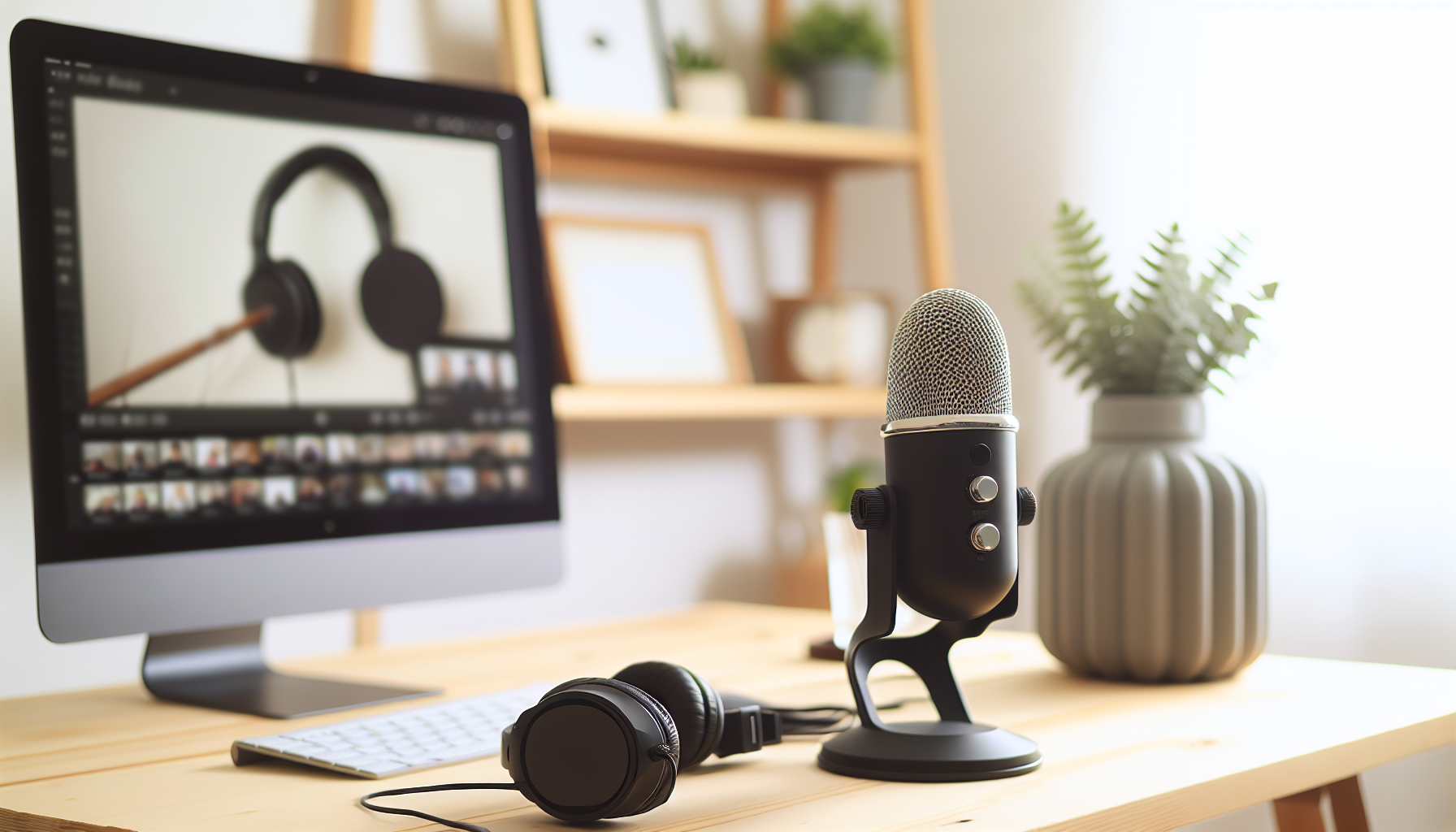
Understanding the key components of these setups is essential. First, the video and audio sources are necessary. These include cameras and microphones that capture the raw data. Professional cameras and quality mics significantly improve the input quality, setting the foundation for broadcast-level output.
Then, there's the video encoder, which is crucial for converting the captured video into a digital format that can be streamed online. Encoders can be hardware or software-based, and they determine how smoothly the stream runs.
The third pillar is the streaming destinations, which could be platforms like YouTube Live, Facebook Live, or Twitch. These are the stages where all your hard work, creativity, and technical efforts are showcased to the world.
Last but certainly not least is the internet connection. A stable and high-speed connection is as crucial as the best camera or microphone in your setup. Without it, even the best tools can't ensure smooth streams.
These online streaming tools combine to form the backbone of any successful streaming endeavor. They provide the structure upon which engaging and high-quality streams are built, making them indispensable in the drive to achieve broadcast quality.
Key Features of Broadcast Quality Tools
Achieving broadcast-quality streams is the pinnacle of live streaming success. But what sets these broadcasts apart? Several critical features define the quality of a stream and can be identified in high-end live streaming setups.
- High-definition video is non-negotiable. Many streams now go up to 4K resolutions, ensuring that viewers enjoy crisp, clear images that capture every detail.
- Low-latency delivery ensures that the stream is as close to real-time as possible, minimizing delay and enhancing the interactive experience.
- Adaptive bitrate streaming allows the stream to adjust its quality based on the viewer's internet connection, maintaining smooth viewing experiences without excessive buffering or lag.
- Noise-suppressed audio ensures that unwanted background noise doesn’t detract from the viewership experience.
- Advanced features such as multi-camera switching and virtual sets offer additional layers of professionalism and engagement.
Specific tools have excelled in these areas, often heavily utilized for their high-definition cameras, like those available from OBSBOT, and premium microphones to ensure seamless audio capture. A complete setup also includes proper lighting and tripods, which further bolster the visual appeal and stability of the live broadcast.
Achieving broadcast quality is about assembling these features cohesively, ensuring a polished, professional, and potent streaming experience for viewers.
Top Live Streaming Tools for 2023
For anyone diving into the world of live streaming tools, understanding the top available options is crucial. These tools range widely in features, pricing, and complexity, each offering unique benefits to cater to various streaming needs.
- Wirecast: Ideal for professional broadcasts like sports and corporate events. It offers features such as instant replays, ISO recording, and chroma key capabilities.
- vMix: Known for high-quality event streaming capabilities, offering excellent 4K and HD streaming, along with integrated social features and virtual sets.
- OBS Studio: A robust, open-source tool providing multi-source input, filtering, and encoding options—all for free.
- StreamYard: Perfect for interactive multi-platform streaming and is beginner-friendly.
- MultiStream AI: Offers real-time analytics and the ability to auto-adjust format and resolution using artificial intelligence.
Each of these tools supports popular platforms like YouTube, Twitch, and Facebook, with specific tools like vMix and Wirecast favored for their superior output capabilities, allowing creators to continue pushing the boundaries of what live streaming can achieve.
Live Video Tips for Beginners
Jumping into live streaming can be daunting, but with the right guidance, even beginners can deliver professional-quality streams. Here are some essential tips for those starting their live streaming journey.
First and foremost, get the setup basics right. Lighting plays a fundamental role, so avoid shadows by ensuring your lighting is even and well-placed. A clean, professional background helps maintain focus on you as the presenter, and if using a green screen, it allows for creative virtual sets.
Camera placement also matters. Keep the camera at eye level for a more genuine and engaging connection with your audience. This positioning also helps create a natural frame without awkward angles.
Planning your content in advance is key to a successful stream. Create content outlines and rehearse beforehand. This preparation helps you maintain a smooth flow and ensures you cover all your intended points without unnecessary pauses or fillers.
Engagement is the lifeblood of streaming. Utilize real-time chat to connect with your audience, conduct polls to gather viewer opinions, and incorporate social feeds to integrate broader audience interactions. This approach not only heightens retention but also fosters a community around your content.
While it might seem overwhelming at first, starting with these basics will put you on the right path to effective and rewarding live streaming.
Stream Optimization Techniques
Optimization is critical for maintaining stream quality and ensuring your audience has the best viewing experience possible. Here's how you can optimize your live streaming setup to make every broadcast count.
- A high-speed internet connection is crucial—ideally, you’ll need a minimum of 5-10 Mbps upload speed.
- Adaptive bitrate streaming adjusts the quality of your stream based on your viewers' connection speed.
- Each platform has its specifics. For instance, YouTube Live typically supports 1080p at 60fps.
- Utilizing low-latency modes helps keep the interaction immediate.
- Tools that support multi-streaming allow you to broadcast across several platforms at once.
For content creators looking for automation and ease, AI-enhanced tools provide auto-adjustments, capitalizing on technology to streamline live production without compromising on quality.
Armed with these stream optimization techniques, you'll be well-equipped to maintain performance that delights and retains your audiences.
Incorporating Feedback and Analytics
Feedback is the compass that guides content improvement, and analytics provides the map. Leveraging both can significantly enhance the quality and reach of your live streams over time.
Collecting feedback can be done seamlessly through live chat interactions, real-time polls, or post-stream surveys.
Analytics tools integrated into platforms or advanced tools like vMix and MultiStream AI offer invaluable data. Understanding metrics such as viewer drop-off rates, peak concurrency, and engagement levels allows content creators to make data-driven decisions.
Utilizing real-time data is particularly valuable. By tracking audio synchronization, content popularity, and bitrate adjustments, you can refine your streams and pinpoint precisely what works.
By systematically integrating viewer feedback and analyzing performance metrics, you maintain the flexibility to adapt and improve streams, ensuring your content stays relevant and engaging.
Striving for Broadcast Quality with Live Streaming Tools
In conclusion, selecting the right live streaming tools and mastering effective streaming practices are pivotal to achieving broadcast quality. The right combination of hardware and software can elevate your streaming ventures from amateur to professional, broadening your audience reach and engagement.
These tools and strategies provide the framework to explore different settings and techniques, fine-tuning broadcasts until they match your vision and audience expectations. Encourage experimentation as you work towards defining your unique broadcasting style.
What's your go-to for achieving broadcast quality? We invite you to share your tips and tool preferences in the comments below.
Additional Resources for Mastering Live Streaming
To continue exploring the incredible world of live streaming, check out tutorials and guides for setting up specific live streaming tools. For instance, find a detailed OBS setup guide and more comprehensive resources on advanced streaming techniques and technologies to further enhance your skills.
These resources present a well of information, aiding in your journey to mastering live streaming tools and crafting captivating professional-grade broadcasts. For enhancing your production further, consider an Online Video Trimmer to make precise edits or an Online Audio Cutter to perfect your soundtracks.