
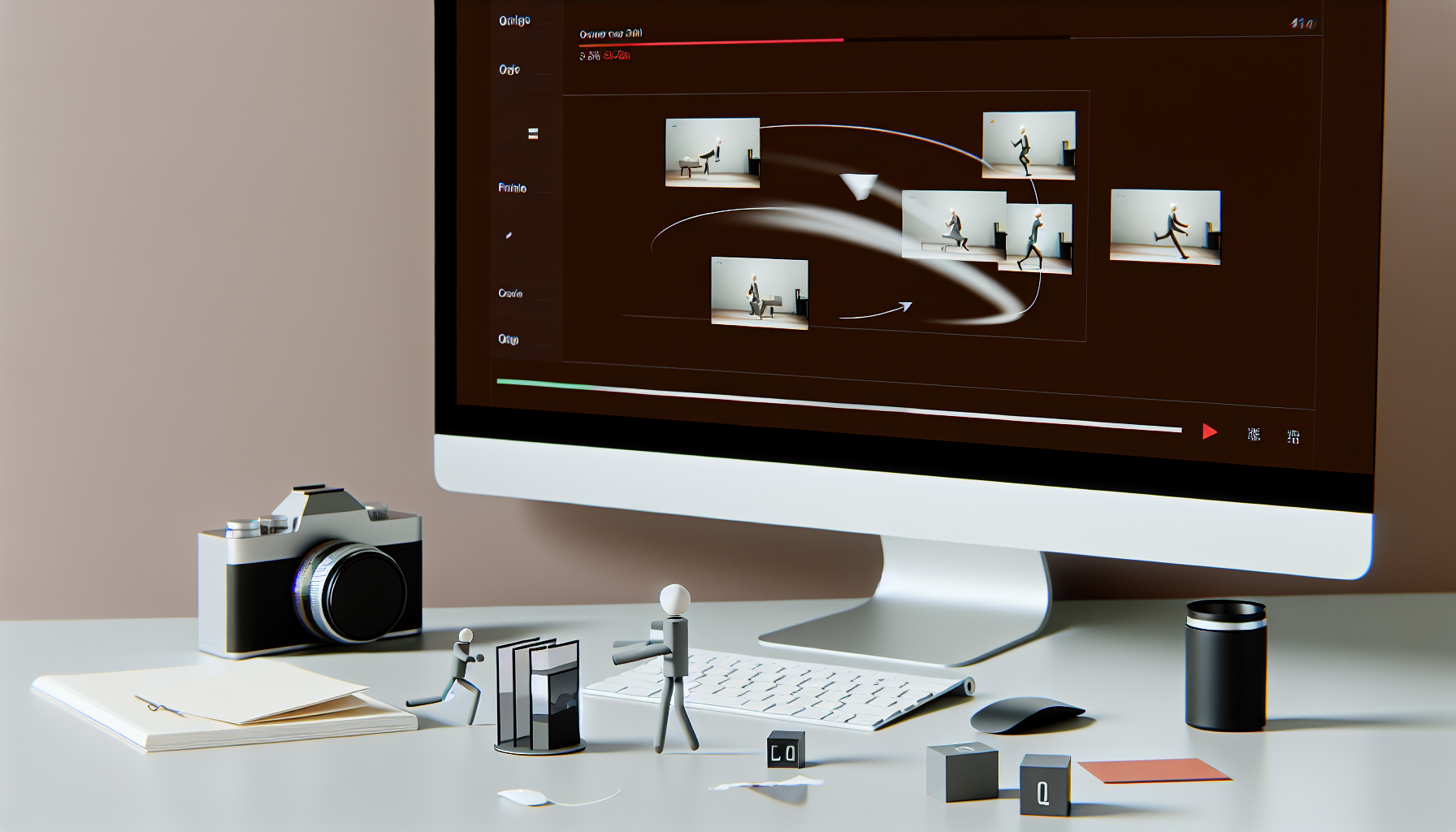
Using Online Tools for Creating Stop-Motion Animation Videos
Stop-motion animation is an exceptional and multifaceted art form that combines creativity, patience, and technology to turn still images into captivating motion pictures. This once niche method is experiencing a renaissance, thanks to digital tools that have democratized its processes and allowed more creators to engage in creative video projects. In today's digital era, where much of filmmaking is online, these stop-motion animations offer a tangible, hands-on expression that is both refreshing and engaging. Using Online Audio Cutter, video animation creation has become more accessible, enabling anyone interested in the magic of stop-motion to experiment and create their own animated films.
What is Stop-Motion Animation?
Stop-motion animation is a meticulous filmmaking technique where objects are physically manipulated in small increments and captured frame by frame to create the illusion of motion. When played back continuously, these frames come to life due to the principle of persistence of vision—the human brain's ability to perceive individual images in rapid succession as continuous motion. Each object is moved ever so slightly between shots, requiring immense attention to detail and precision to achieve fluidity.
In contrast to drawn animation, where each frame is illustrated, stop-motion relies on physical objects that are repositioned and captured using a camera. Traditional hand-drawn animations, like those seen in early Disney films, focus on characters and scenes drawn on paper, whereas stop-motion involves tangible items manipulated in the real world. Typically, animators create about 12 frames for every second of animation, which means a minute-long clip requires hundreds of images—a testament to the dedication and patience required.
Historical EvolutionStop-motion animation boasts a rich history as one of the earliest animation styles used in filmmaking. One of the pioneering films, "The Lost World," produced in 1925, utilized stop-motion techniques to animate dinosaurs, impressively bringing these creatures to life at a time when such technology seemed almost magical. Over the years, as technology developed, so did the methods, allowing animators to incorporate digital enhancements while staying true to the fundamental principles of stop-motion. Modern advancements like digital cameras and editing software have revolutionized the way stop-motion movies are made, adding precision and efficiency to the process without losing the charm of the technique.
Classic and Contemporary ExamplesStop-motion has given birth to some legendary works, each highlighting different techniques:
- Claymation: This technique employs malleable clay models that can be easily adjusted to create lifelike motions. Classics like Wallace & Gromit and Chicken Run exemplify the charm of claymation, with its endearing and sometimes whimsical characters.
- Cutout Animation: A 2D variant that involves flat, paper-based characters, seen in early South Park episodes. This method allows for simplicity and quirky storytelling, using fewer dimensions to tell compelling stories.
- Pixelation: This less conventional technique uses real-life objects or people, moved incrementally between frames. It offers a unique blend of realism and fantasy, as seen in various experimental films.
The Art of Creating Stop-Motion Animation
Creating stop-motion animation is an intricate art that balances the technical with the artistic. The basic process involves capturing a photograph of an object, moving it slightly, and then capturing another photograph before repeating the action. This sequence of images, when played in rapid succession, creates the illusion of movement, seemingly bringing the inanimate to life. The tiniest changes in position between shots determine the motion's speed and smoothness, with smaller changes creating slower, more detailed movements.
Equipment and MaterialsEngaging in stop-motion animation requires specific tools and materials. These essentials include:
- Physical Objects: Materials like clay, wire, foam, or puppets with movable parts are typically used to make characters and props.
- Camera: A digital camera with a macro setting helps capture each frame with precision and detail. The quality of the camera can greatly influence the outcome, but even a smartphone camera can be adapted for beginners.
- Software: Animation software, such as Dragonframe or Stop Motion Studio, allows animators to preview sequences, ensuring smooth motion before finalizing the footage. These tools help adjust speed and timing, providing a framework for greater control over the film's flow.
- Studio Setup: A stable set is crucial, often constructed with a controlled lighting environment to ensure consistency across frames.
Stop-motion animation demands patience and precision from its creators. Each scene, regardless of duration, requires careful planning and execution. Animators must pay attention to even the minutest details, as any mistake can disrupt the continuity of the final piece. Normally beginning with a storyboard, animators meticulously plan out scenes and sequences to ensure smooth transitions and coherent storytelling. Animatics, or animated storyboards, further aid in visualizing the film's flow before the actual animating begins. Given the labor-intensive nature of the process, creating just a few seconds of footage can take weeks, underscoring the dedication required to master this art.
Online Animation Tools for Stop-Motion Animation
In the digital age, online animation tools have become indispensable companions for stop-motion creators, providing both beginners and experts with valuable resources to streamline their processes. Such software offers features that enhance user experience by seamlessly integrating with the creator's workflow.
Key Features of Online Animation ToolsWhen selecting an online animation tool, creators should look for software that provides:
- Frame-by-Frame Control: This feature is essential for precise manipulation of each image, allowing animators to adjust and fine-tune subtle motions.
- Real-time Preview: The ability to see sequences in real-time aids in identifying errors and making necessary adjustments promptly.
- Compatibility with Cameras: Ensures that the software can quickly import images from digital cameras, allowing for efficient frame editing.
Creating compelling stop-motion animations involves:
- Sequencing photos accurately to maintain continuity and fluidity.
- Adjusting timing and speed to match the narrative tone and intended visual effects.
- Utilizing playback features to refine and perfect motion sequences before the final export. Using Online Video Trimmer can help make these adjustments seamless.
These tools facilitate the technical aspects while maintaining focus on the creator's artistic intent, making it easier to produce professional-quality animations from the convenience of a home studio.
Getting Started with Your Own Creative Video Projects
For those eager to dive into the world of stop-motion animation, starting simple can be the best approach. Using everyday objects, such as toys or household items, allows beginners to experiment without needing elaborate setups or materials. This method is both fun and educational, providing foundational skills crucial for more complex projects later on.
Essential First StepsTo embark on a stop-motion journey, follow these basic steps:
- Gather Materials: Use a smartphone or digital camera along with any objects at hand.
- Create a Stable Setup: Ensure that the working surface is stable and well-lit to avoid unnecessary shadows or movements.
- Plan Movement Sequences: Sketch out sequences or use storyboards to visualize the animation flow before starting.
- Begin with Short Clips: Aim for 5-10 seconds of finished footage to build confidence and understanding.
- Beginners: Animate basic movements of household items or simple cutout figures.
- Intermediate: Create stories with custom-made puppets, experimenting with more intricate motions and narratives.
- Advanced: Develop detailed sets and multiple characters, exploring techniques like pixelation and go-motion for added realism.
Incorporating originality is pivotal. Utilize unexpected materials, integrate narrative twists, and apply a unique perspective to imbue work with distinctive charm and style.
Overcoming Challenges in Stop-Motion Animation
As with any craft, stop-motion animation presents its own set of challenges:
- Time Commitment: Significant time is needed for project completion, so planning and setting realistic goals is crucial.
- Consistency Issues: Ensure continuity by documenting settings thoroughly to avoid disruptions from environmental changes.
- Technical Precision: Accuracy in frame capturing is a must—using preview software can help catch mistakes early.
- Motivation Management: Long projects can be draining, but breaking them down into smaller tasks can help maintain enthusiasm and focus.
Flexibility is essential, as creators often need to adapt quickly to unforeseen issues. Transform potential problems into learning opportunities, turning them into creative solutions that enhance both skills and animated storytelling.
Conclusion
The potential of stop-motion animation is vast, offering a unique avenue for enhancing creative video projects through a blend of artistry, technical skill, and patience. The landscape of animation is ever-changing, yet stop-motion remains a resolute medium for artistic expression, celebrated for its tactile beauty and timeless appeal.
With the aid of online animation tools paired with individual creativity, exploring the world of stop-motion animation has never been easier. Aspiring animators need not wait for the perfect setup to begin; inspiration can be found in everyday objects and sparked by sheer imagination. Through experimentation and community interaction, they can showcase their innovative narratives and contribute to the evolving storytelling craft that is stop-motion animation.
FAQ
1. How can I learn stop-motion animation techniques?
You can learn by watching tutorials, reading guidebooks, or attending workshops. Practicing with small projects and experimenting with different materials also helps.
2. What are some common materials used in stop-motion animation?
Materials like clay, paper, wire, and plastic are frequently used. You can also use everyday objects like toys or household items.
3. Which camera is best for stop-motion animation?
While any camera can technically be used, a digital camera with manual settings or a good-quality smartphone camera is ideal due to their ability to capture fine details.
4. Are there any specific software programs for stop-motion animation?
Yes, there are several, such as Dragonframe, Stop Motion Studio, and FrameByFrame. These programs provide specific tools optimized for the needs of stop-motion animators.
5. How do I keep the camera steady during filming?
Using a tripod or a stable surface is essential. You can also use remote shutter controls or apps that support steady camera operations to minimize vibrations and manual movements.