
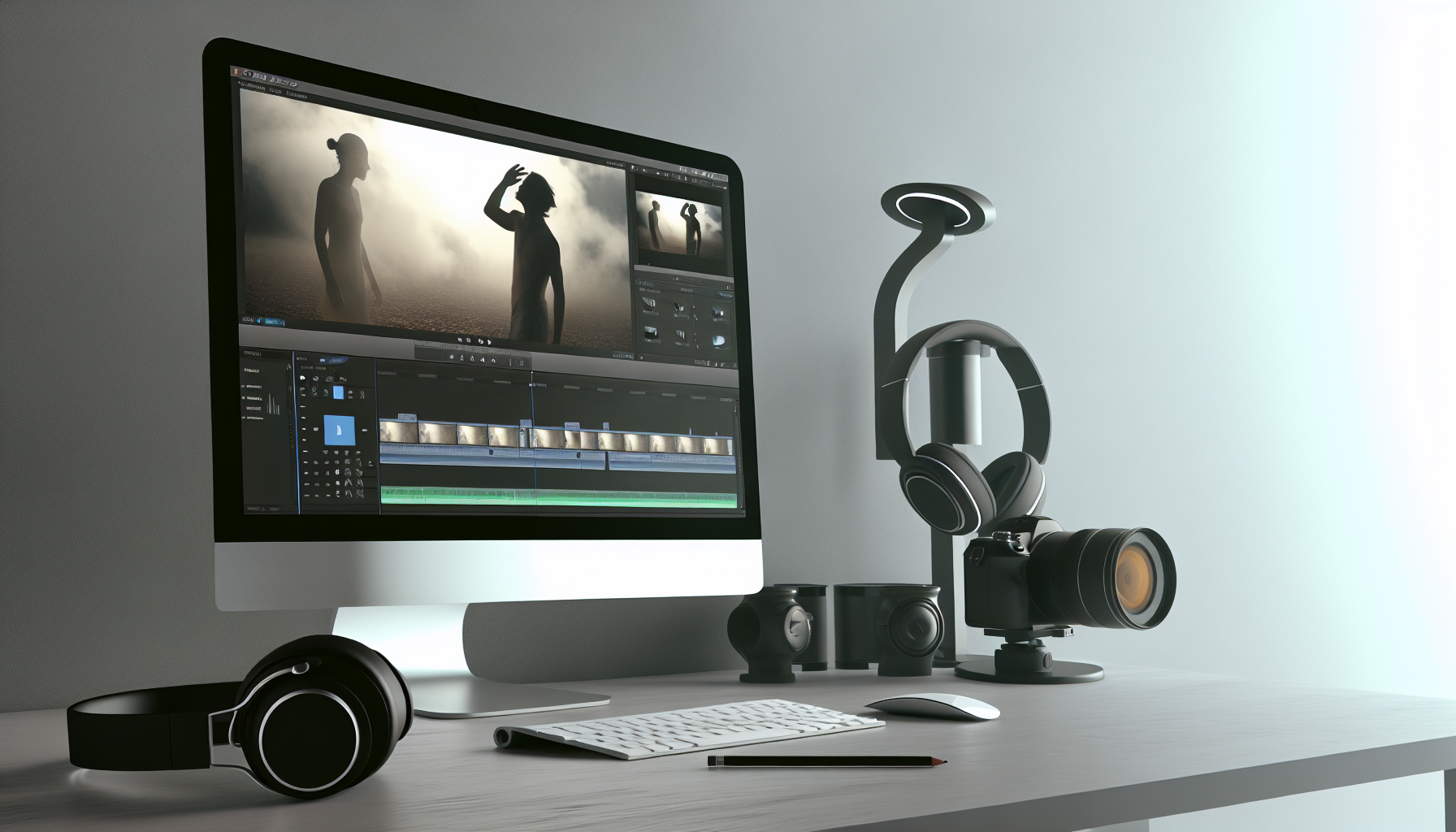
10 Pro Video Editing Tips to Enhance Your Content
In our digital world, where content reigns supreme, video editing has become a vital skill. Video editing is more than just piecing clips together. It involves crafting a seamless narrative from raw footage. This process is crucial for anyone aiming to capture and keep audience attention, as engaging video content can foster brand loyalty and invite meaningful interactions. The art and science of video editing transform simple clips into powerful stories that resonate with viewers. In today's crowded digital space, mastering video editing is essential for content creators looking to shine. This guide will arm you with ten actionable video editing tips to transform your video production strategy, ensuring your content stands out.
1. Understanding the Basics of Video Editing
Video editing is akin to the heart of video production. It involves selecting, arranging, and refining raw footage to craft a cohesive and engaging story. Even the best-shot scenes require meticulous editing to truly capture an audience's attention.
Key components of video editing include pacing, which keeps your story moving at the right speed, and sequencing, which arranges your footage logically. Learning when to cut unnecessary content is essential for clarity and engagement. Poorly edited videos, regardless of their quality, can lose viewer interest quickly. Thus, understanding the fundamentals helps ensure every frame has a purpose, leading to a polished and captivating final product.
A solid grasp of these basics not only boosts your technical skills but also enhances your storytelling capabilities. Having strong editing skills means wielding creativity alongside technical know-how. The result is a compelling narrative that draws viewers in and keeps them engaged.
2. Utilizing Video Trimming
Video trimming is a powerful tool that helps refine the narrative and enhances overall engagement. By removing unnecessary scenes and pauses, you help maintain the narrative flow.
Think of video trimming as clearing clutter. In a world where audience attention spans are short, every second counts. Aggressively trim slow sections and remove redundancy, focusing only on content that drives your message and story forward.
Timing is everything; when pacing is off, viewers may drift away. By cutting down the unnecessary parts, you ensure that each moment is engaging. A well-trimmed video enables viewers to stay focused, ultimately making your content more efficient and persuasive.
Trimming also reduces video length, which is crucial in a world where people often prefer shorter, punchier content. This not only respects your viewer's time but also ensures they leave with your message in mind.
3. Audio Trimming Techniques
Audio trimming plays an equally vital role in video editing. High-quality visuals can lose impact if sound quality is poor, so achieving clean audio is crucial.
Audio trimming involves removing background noise, cutting blank spaces, and ensuring clear dialogue. Eliminating distractions leads to a polished and professional final product. Always align audio cuts with visual transitions for cohesion.
Furthermore, pay attention to the layering of sounds. Music, dialogue, and sound effects should balance and contribute to the scene's mood rather than overpower it. Properly trimmed audio can heighten emotional engagement and drive the narrative home.
Through careful audio work, you ensure your viewer stays immersed, while synchronizing audio and visual elements consolidates the storytelling.
4. Leveraging Online Tools
Modern video editing is supported by numerous online tools. Platforms offering video cutters and audio editors make it easier for creators with varying experience levels to produce high-quality content.
These online tools often simplify complex processes and come with features that include cloud backup, template use, and collaborative editing. Whether you need basic trims or extensive adjustments, selecting the right tool is vital for efficiency.
There are solutions for every need. Some tools focus on social media format, while others offer advanced features like color grading. Choose based on your project needs and skill level. These online tools facilitate easy editing without overwhelming beginners, yet they provide the depth needed for detailed projects.
5. Understanding Video Conversion
Video conversion is the transformation of video files into different formats for versatile use across platforms. It ensures that videos maintain quality and compatibility with various devices.
Understanding how to convert videos allows seamless playback across YouTube, Instagram, and TikTok, among others. Each platform may require a different file type, and conversion prevents loss of quality during this transition.
Use conversion tools to optimize aspect ratios without sacrificing video quality, ensuring your content looks its best whether it's on a phone or a widescreen. This adaptability is the secret to extending your video’s reach and enhancing viewer experience.
6. Tips for Professional-Looking Edits
Creating a professional finish involves more than just clean cuts—it's about transitions and color correction. Smooth transitions like match cuts or L-cuts maintain flow and continuity without interrupting focus.
Subtle transitions often go unnoticed, which is the sign of a truly professional edit. Similarly, consistent color grading sets mood and tone, unifying the visual experience. Whether warm or cool tones, maintain consistency to reinforce your thematic intent.
Mindful color correction ensures your content feels polished and creates a purposeful atmosphere. Each visual decision should tie into the overarching narrative, adding layers of depth to your work.
7. Adding Special Effects
Incorporating special effects strategically enhances videos but requires restraint. Effects should clarify your message and not detract from the story.
Basic animations can highlight key points or improve transition flow. For detailed content, animated infographics can simplify complex data, making learning engaging and digestible.
Always question the necessity of an effect. Does it enhance comprehension or engagement? If not, simplicity often triumphs. A well-placed effect can highlight without overshadowing core content, preserving professionalism.
8. Syncing Audio and Video
Syncing audio and video precisely is fundamental for quality production. Poor synchronization breaks viewer immersion and signals amateur work.
Ensure meticulous audio alignment with visual prompts. Tools that aid synchronization help maintain quality, especially when balancing multiple audio tracks. This cohesion across video and sound creates an immersive and professional experience.
Proper syncing demands precision and attention to detail, pivotal for ensuring your audience remains engaged and invested in your narrative.
9. Enhancing Engagement Through Storytelling
Engagement hinges on great storytelling. Editing arranges scenes into a compelling narrative, guiding the audience's journey through your content.
Understanding audience expectations informs pacing and structure, whether fast cuts for excitement or lingering shots for emotional impact. The strategy should fit the platform, with hooks and text overlays capturing social media scrollers immediately.
Pace your story to maintain intrigue throughout, ensuring the audience is left with a memorable impression. A meticulously timed narrative both involves and moves the viewer.
10. Staying Updated with Trends and Technologies
The editing world evolves constantly, and keeping abreast of new trends and technologies ensures your content stays competitive. Invest in understanding new software features and emerging creative techniques.
Online communities and tutorials offer invaluable insight and are often the first to note new shifts in industry standards. Embrace adaptability, as being open to learning will keep your skills sharp and your content adaptable to changes in audience preferences.
Conclusion
These ten video editing tips are your gateway to transforming simple footage into compelling stories. Video editing signals professionalism and helps establish trust with your audience. Refined editing boosts engagement, enhancing brand identity and viewer loyalty.
By integrating each technique—from basic foundations to technological advancements—you improve not only your technical acumen but also your storytelling prowess. It’s about creating content that wins the trust of audiences and stands out in a saturated digital world.
Call to Action
Now equipped with these strategies, put them to work. Experiment with new techniques, engage with online content creator communities, and refine your editing skills. Each project offers an opportunity to learn. Actively participate and watch your creations rise above the noise. Let these tips guide you toward mastering the art of video editing, transforming your content from pedestrian to powerful.